

Security
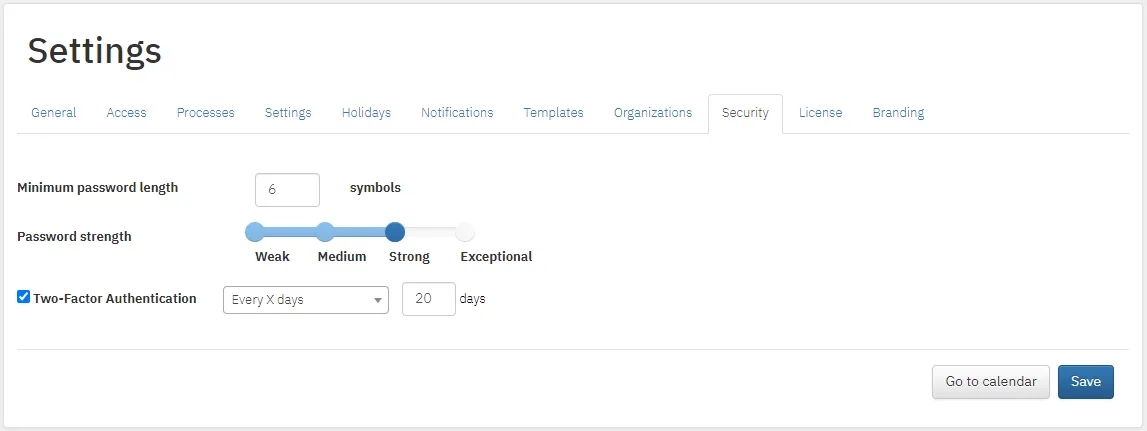
Settings → Security.
Password requirements
Section titled “Password requirements”- Minimum password length: the minimum number of characters.
- Password strength:
| Level | Requirement |
|---|---|
| Weak | No restrictions |
| Medium | Letters and numbers |
| Strong | Numbers, uppercase and lowercase letters |
| Exclusive | Special characters, numbers, uppercase and lowercase letters |
Two-factor authentication
Section titled “Two-factor authentication”Enable two-factor authentication and choose how often it is required. When logging in, the system emails a code that the user enters.
If employees sign in with a company account (Active Directory, Google and others), your identity provider’s rules apply. See also the question about Active Directory sign-in.