

Organizations and e-signing
Settings → Organizations lists the organizations that use the system, for example the companies in a group.
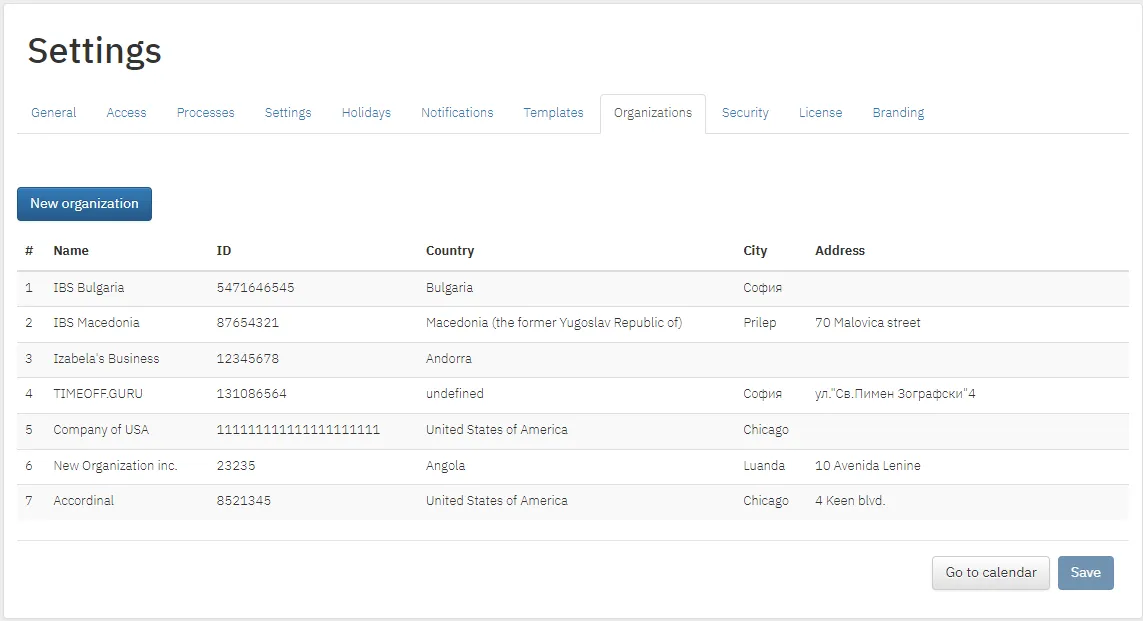
New organization
Section titled “New organization”- Click New organization.
- Enter the details and click Save.
Work locations
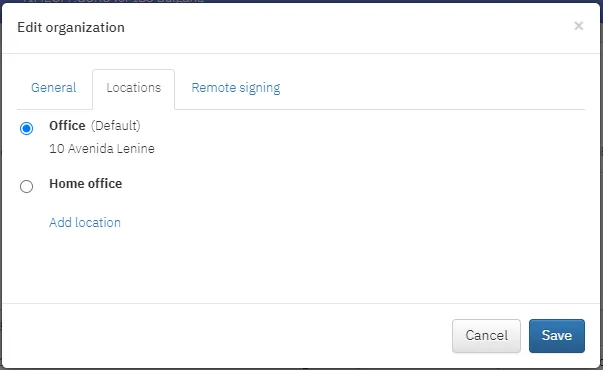
Section titled “Work locations”The Locations tab appears if locations are enabled in General settings.
- New location: click Add location, enter a name and address and confirm with the check mark.
- Edit and delete: with the pencil and bin next to the location.
- Default location: select it with the radio button in front of the name.
Signing leave orders with a qualified electronic signature
Section titled “Signing leave orders with a qualified electronic signature”In the Remote signing tab you set up automatic signing of leave orders with a qualified electronic signature (QES). The head of the organization, or a person they authorize, signs. The service is provided with our partner Borica.
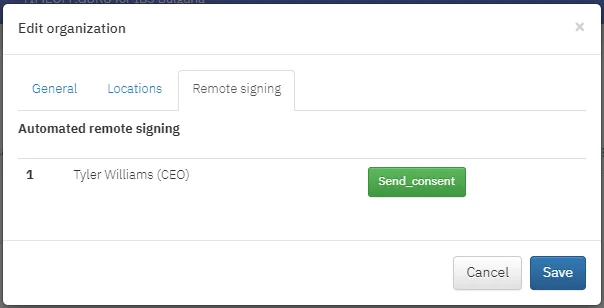
Contact your account manager to enable it.