

Holidays
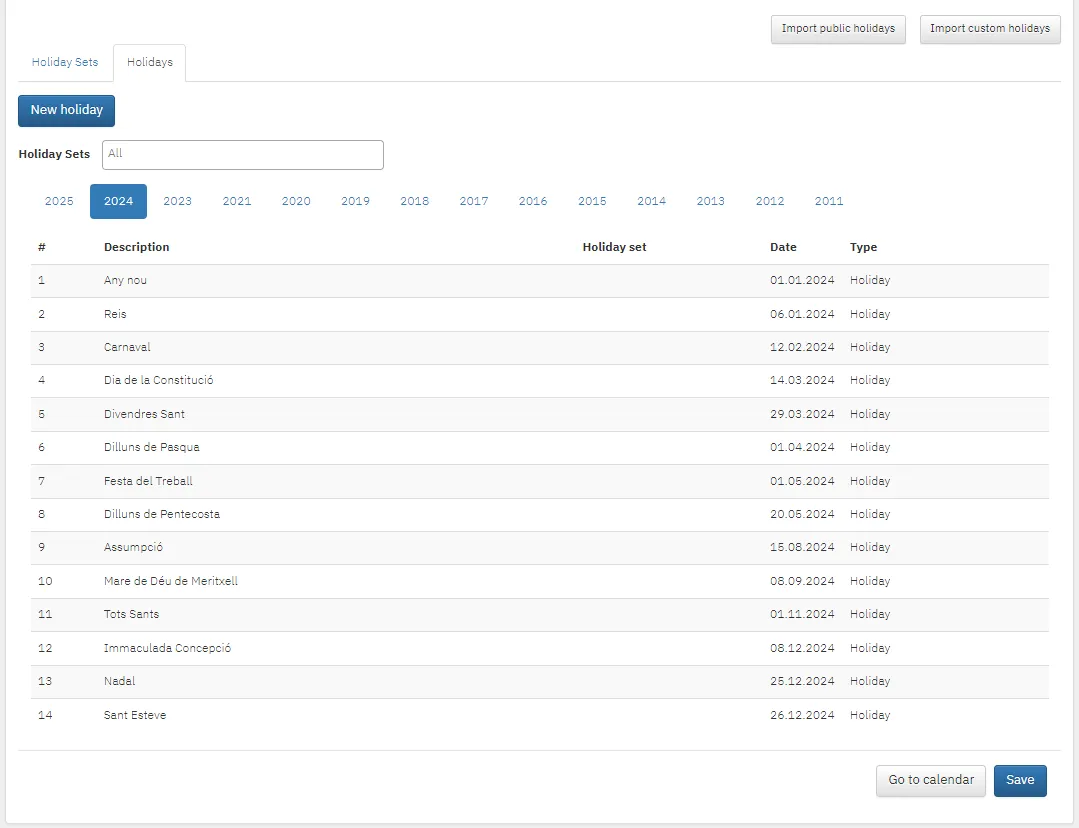
Settings → Holidays holds public holidays and non-working days for all years.
Importing public holidays
Section titled “Importing public holidays”Import public holidays: choose the country, the language for the holiday names, the year and the holiday set.
Import custom holidays: import your own holidays from an Excel file, with the same details.
Adding a holiday manually
Section titled “Adding a holiday manually”- Click New holiday.
- Choose the type of day: non-working day, holiday or working day (for example a make-up working day).
- Pick the date, enter a description and click Save.
Holiday sets for different countries
Section titled “Holiday sets for different countries”If you have employees in several countries, create a holiday set for each.
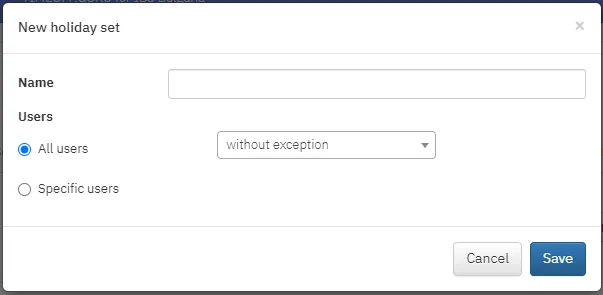
- Click New holiday set.
- Enter a name and choose whether the set applies to everyone or specific employees.
Edit or delete sets with the buttons at the end of the row.