

Invitation and login
You can only log in to TIMEOFF.GURU with an invitation from your organization’s administrator. If you have not received one, ask your administrator or HR.
Accepting the invitation
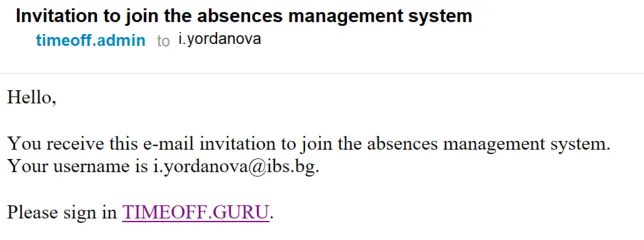
Section titled “Accepting the invitation”- Open the invitation email. It is sent to your work address, which is also your login.
- Click the link in the email. The invitation is valid for 24 hours.
- Set and confirm your personal password.
Only you know your password. The system stores it in one-way encrypted form (a hash), so nobody, including administrators, can see it.
If you forgot your password
Section titled “If you forgot your password”On the login page, click Forgot password and follow the instructions in the email.
If your account is blocked
Section titled “If your account is blocked”After several failed login attempts the account is blocked. Only an administrator can unblock it, so contact them.