Mobile app
The mobile app offers the same core features as the browser: your balance, requesting leave, your team’s absences, request status and approvals. Data is synchronized with the web version.
Installing
Section titled “Installing”Download the app from the App Store or Google Play.
Logging in
Section titled “Logging in”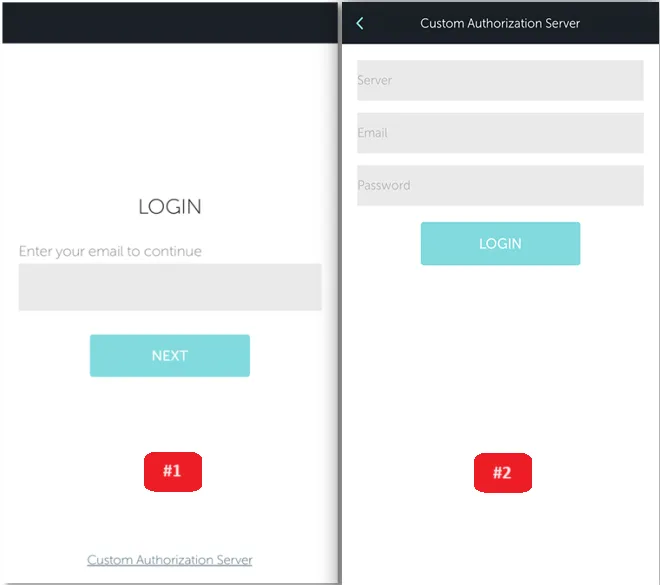
With your work email and password: enter your email, tap NEXT and enter your password.
With your company account (Active Directory, Google, LDAP, SAML, OAuth2):
- Tap Custom Authorization Server on the start screen.
- Enter the authorization server, your work email and your password.
Your organization’s TIMEOFF.GURU administrator will give you the server address.
The screens
Section titled “The screens”| Screen | What it shows |
|---|---|
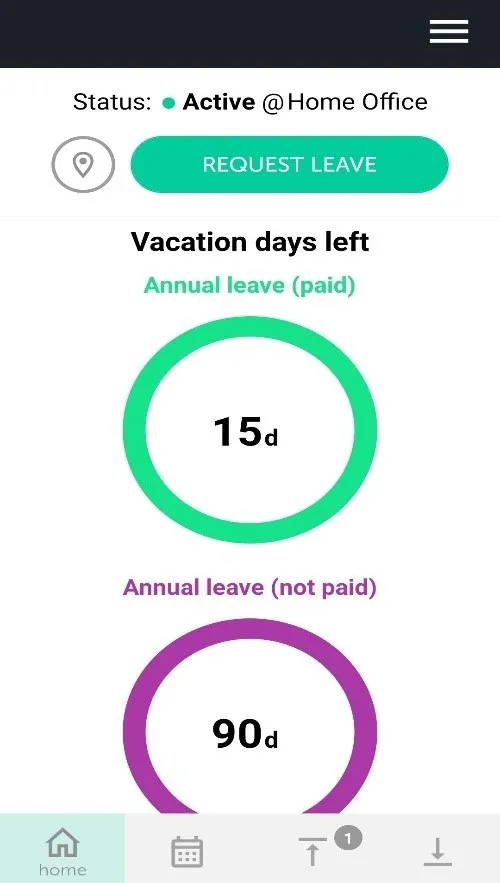
| Home | Remaining paid and unpaid leave, the Request leave button and changing your work location |
| Calendar | The current month with your absences and your team’s. Press and hold a coloured day to see who is absent |
| My Requests | Pending, approved and rejected requests. You can cancel a request here |
| Requests for me | Requests waiting for your approval |
| Settings | Your account, your team, language and app version. Open it from the icon in the top right |
Requesting leave from your phone
Section titled “Requesting leave from your phone”- Tap Request leave on the home screen, or pick dates in Calendar.
- Mark the days and tap Create request.
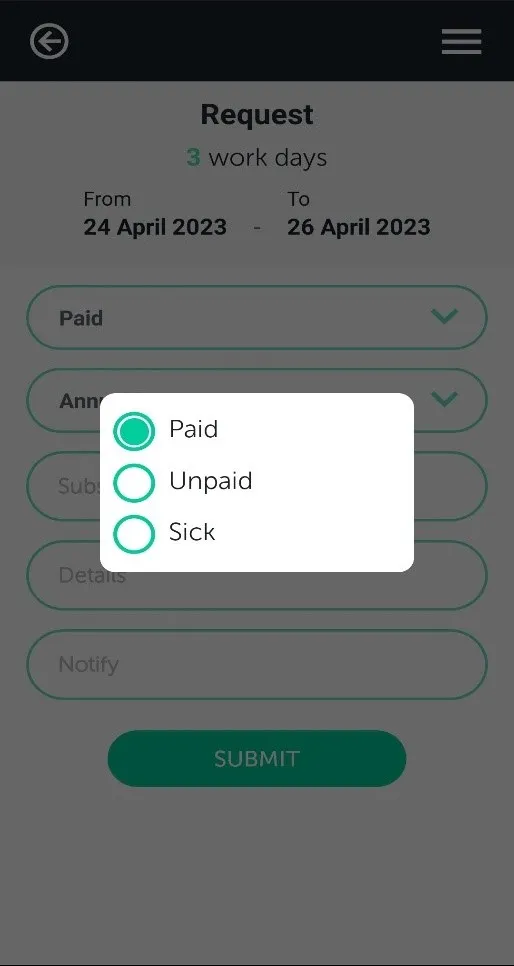
- Choose the leave type and a substitute if needed. Optionally add details and colleagues to notify.
- Tap Submit.